3 Months
$25 / 0.27 per day
- 35,000+ international TV channels
- 179,000+ movies and series on demand
- SD/HD/FHD/4K/UHD picture quality
- Anti-buffer EU servers
- +$5 for Adult Channels Included
 ReflexSat IPTV
WhatsApp
ReflexSat IPTV
WhatsApp
Cheap IPTV costs less until it does not work. Get the reliable experience for $59 with clean activation, 4K-ready streams, and WhatsApp support when you need help.
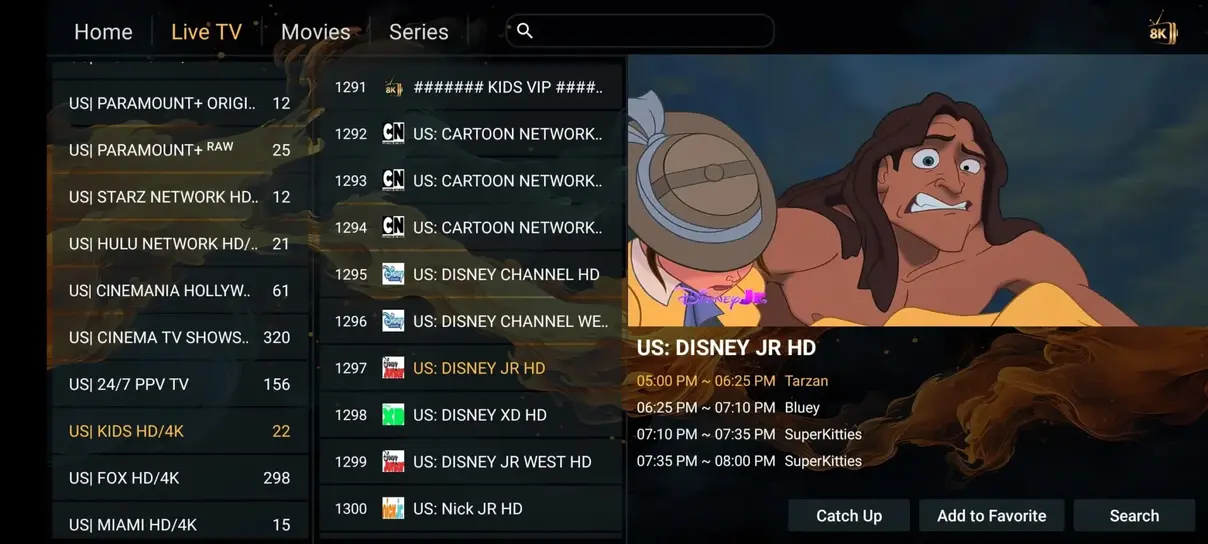
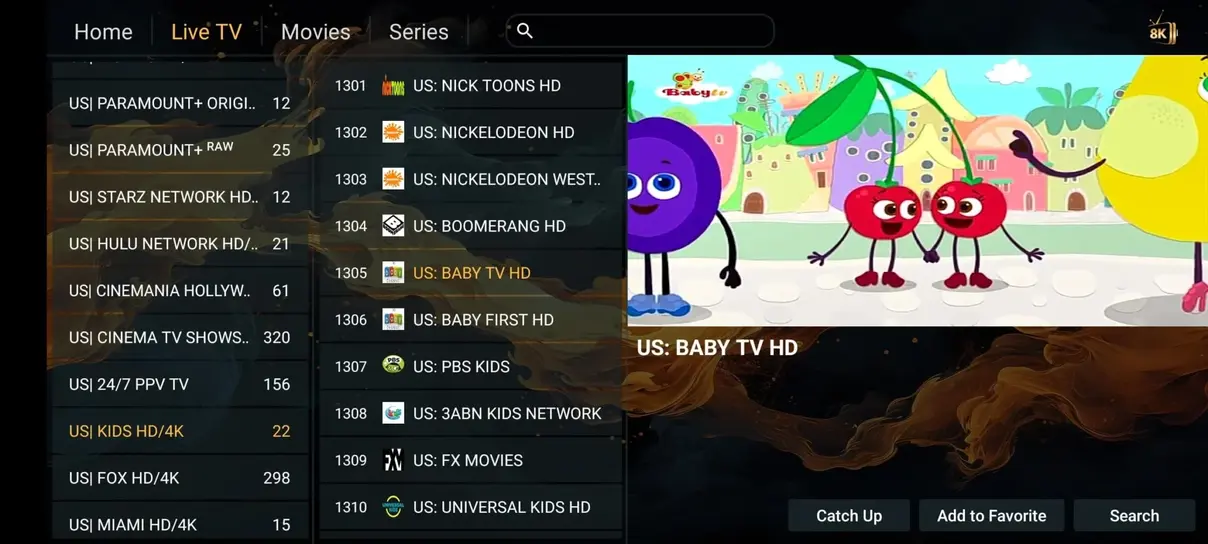
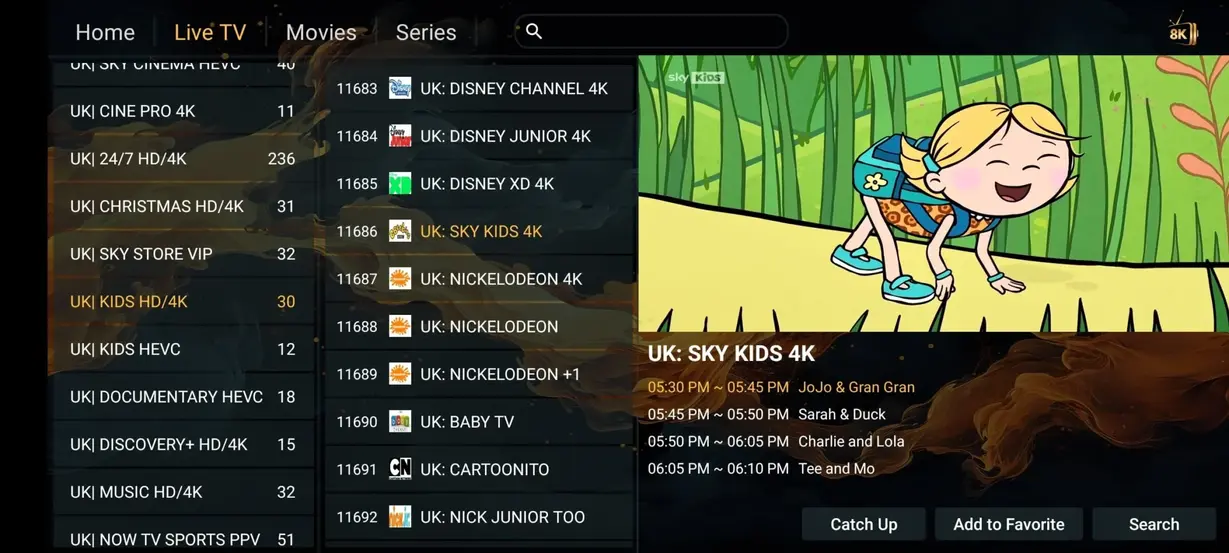
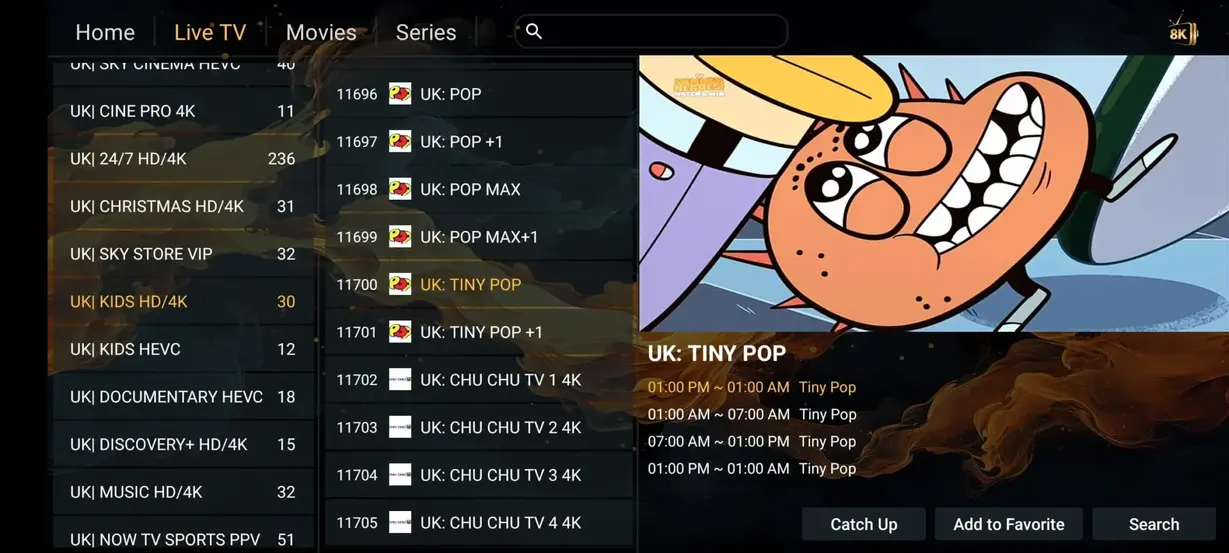
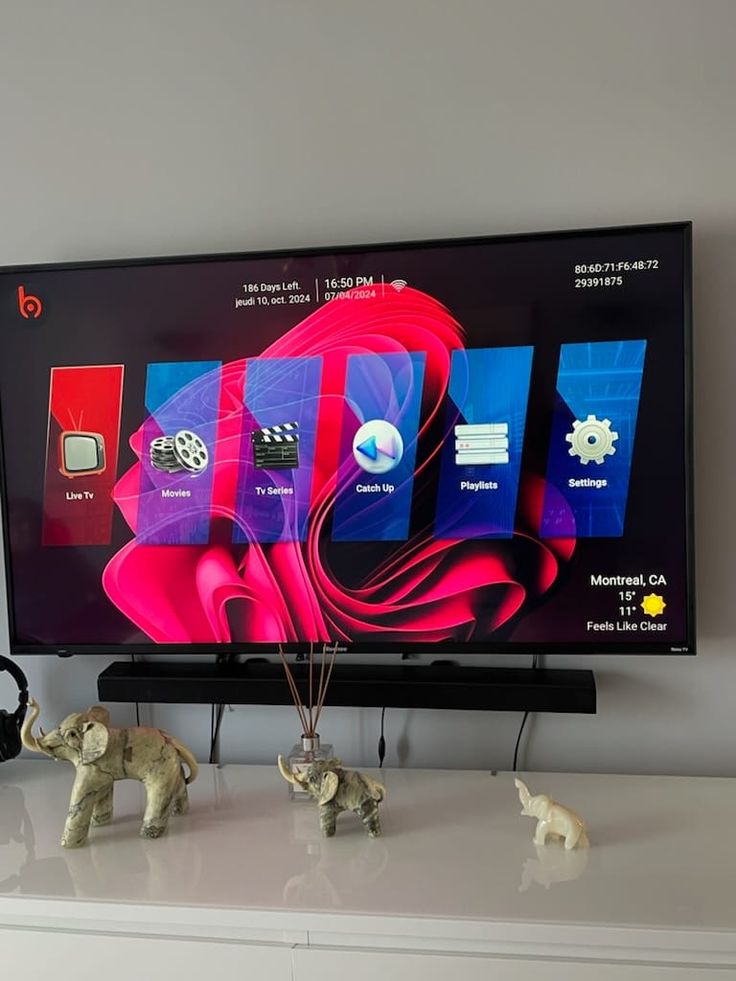
The Hot Player interface preview shows how ReflexSat IPTV feels on a device: quick access to Live TV, Movies, Series, and Radios inside a clean dashboard made for Smart TV viewing.



























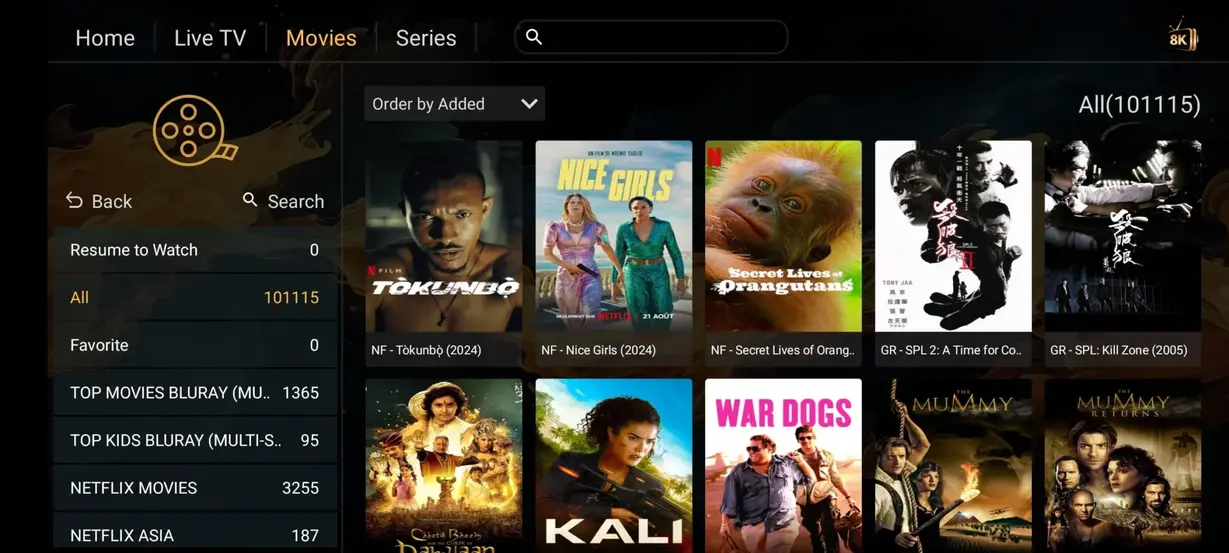
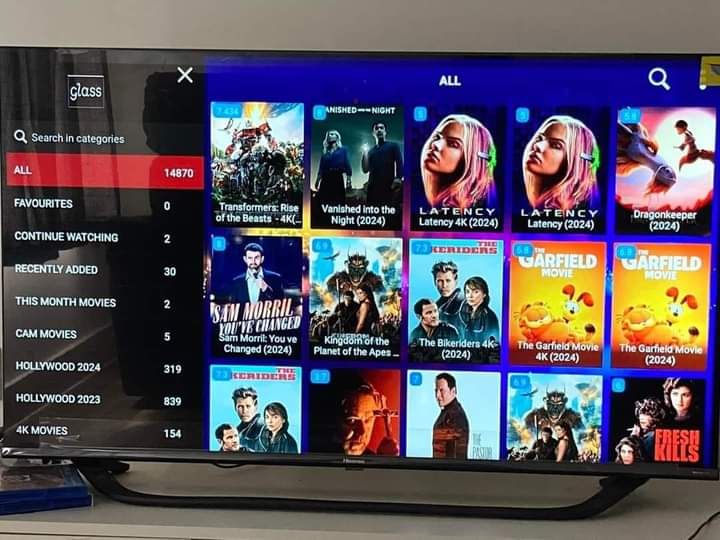
Open the movie section when you want premium entertainment without renting every title. The carousel below uses local preview artwork to show the kind of cinematic browsing experience customers expect from a modern IPTV app.










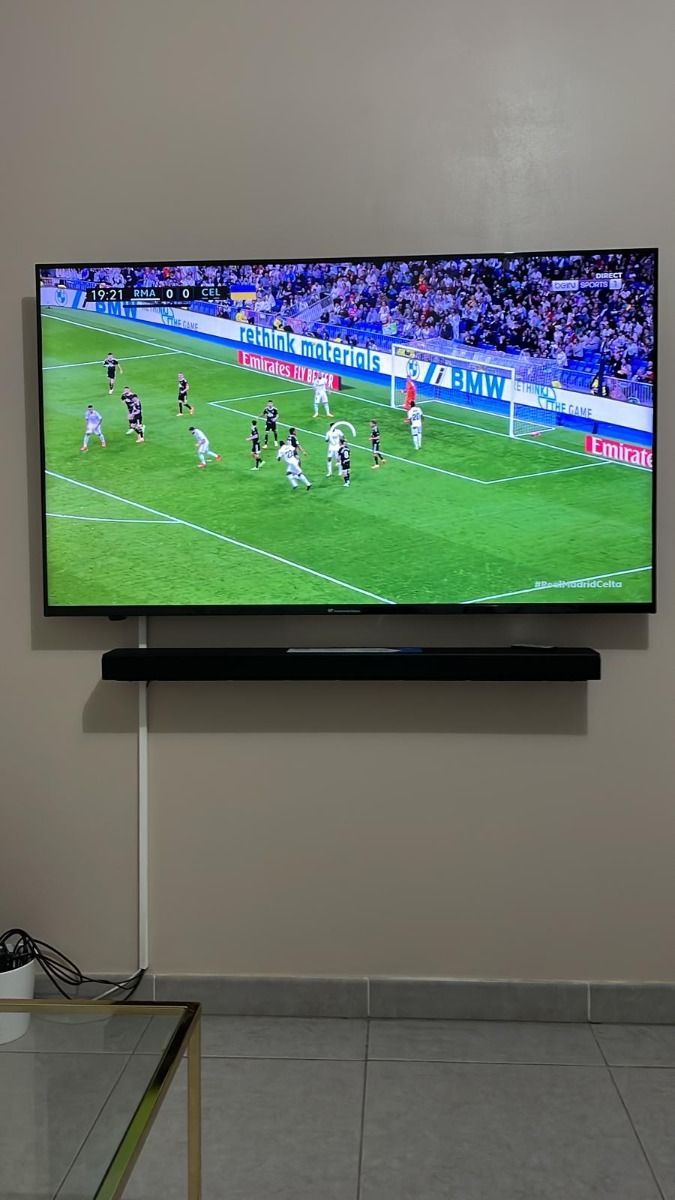
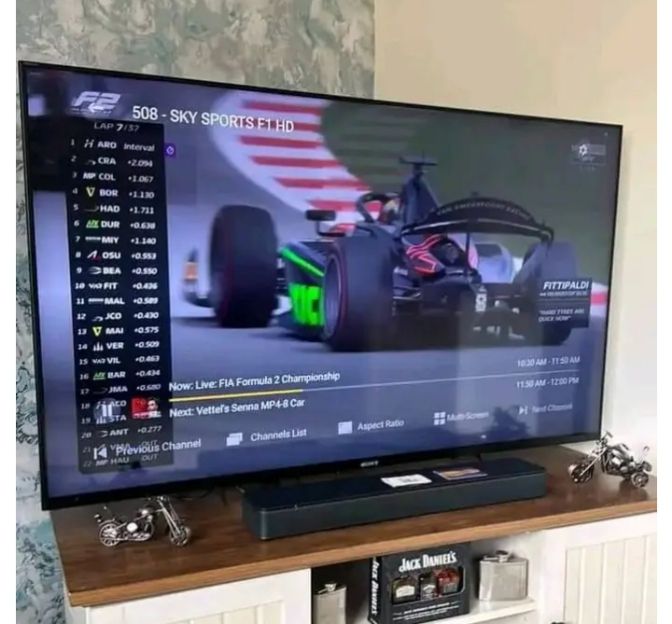
Follow football, Formula 1, MotoGP, combat sports, tennis, basketball, and international fixtures through organized sports categories built for quick selection on TV screens.









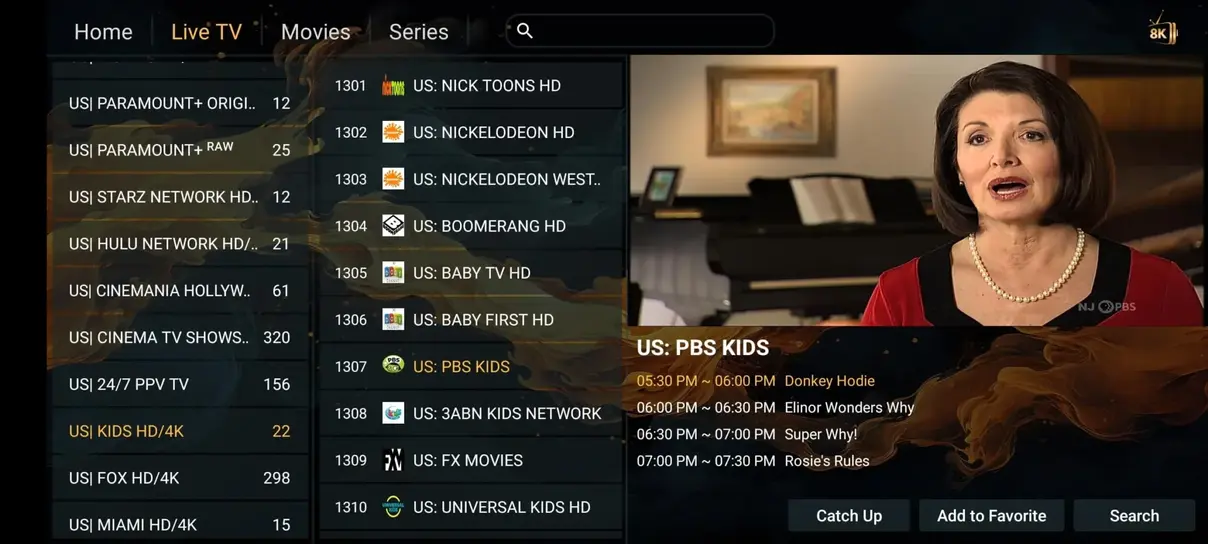
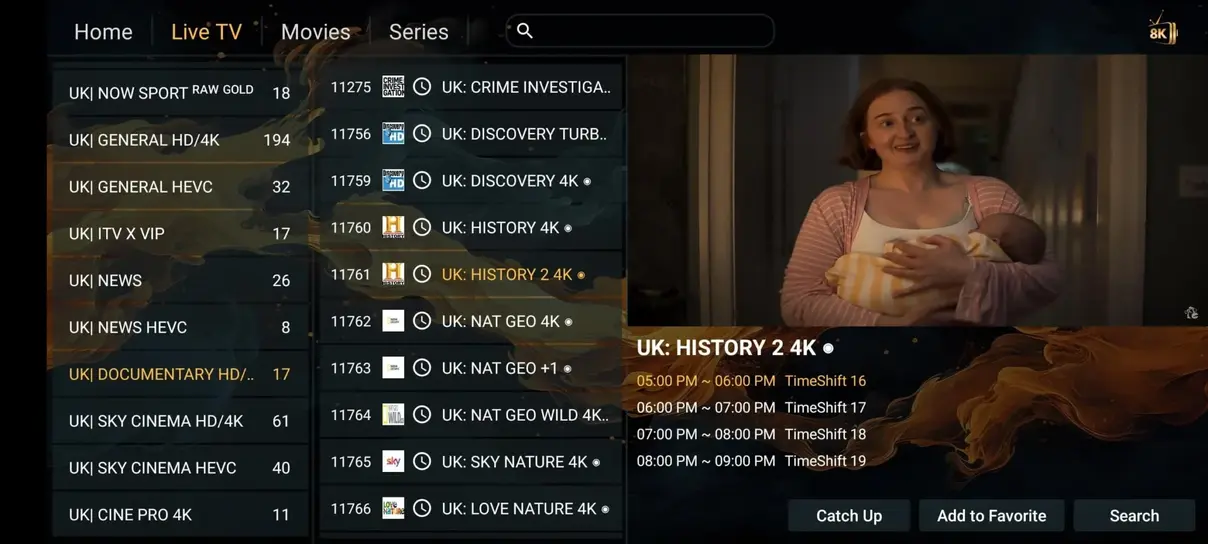
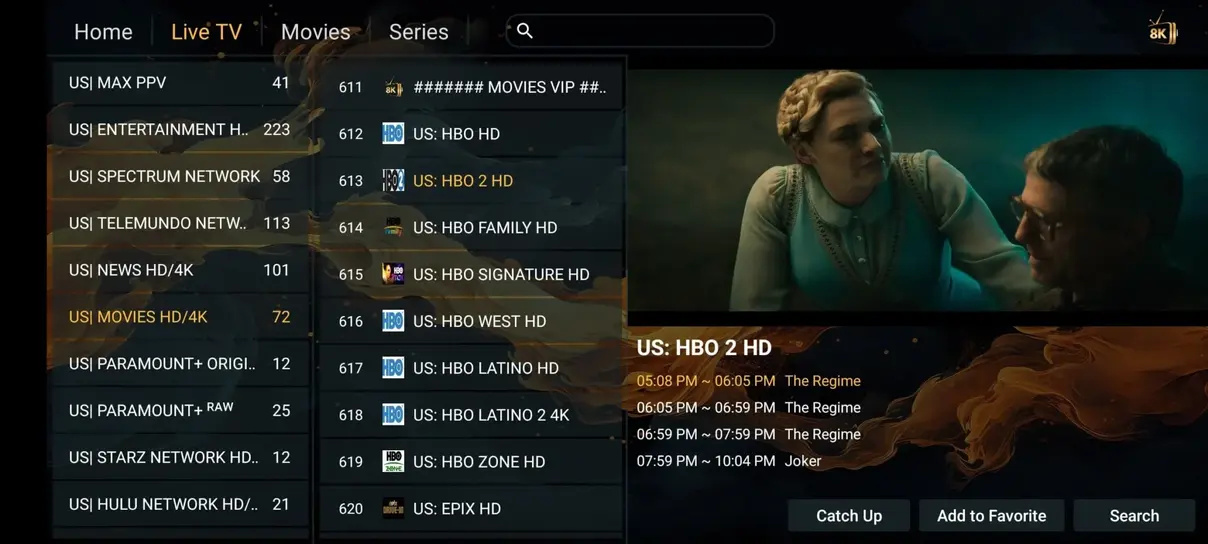
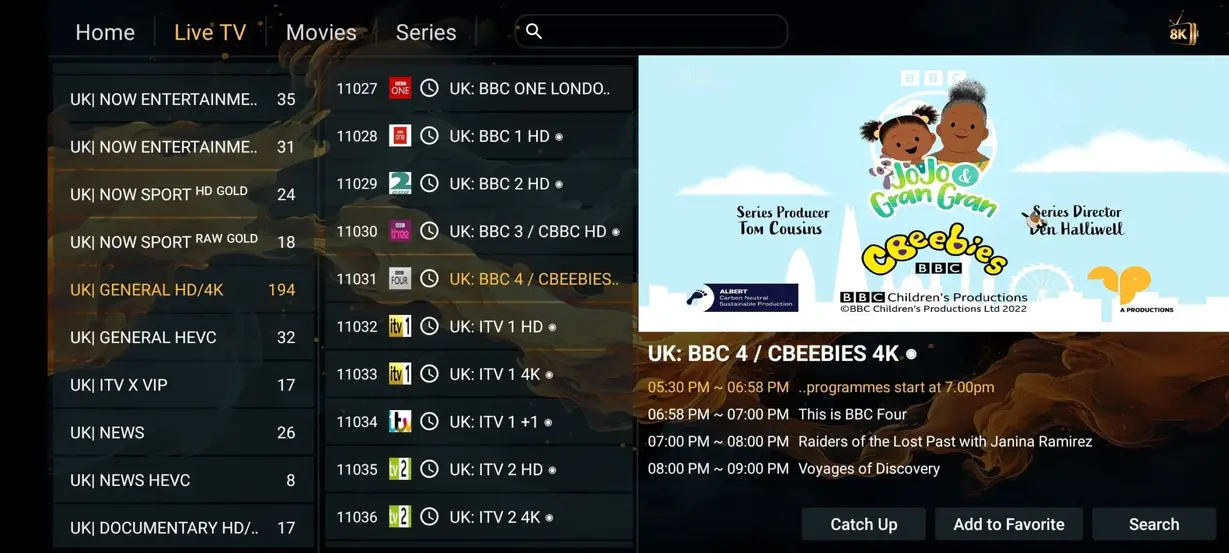
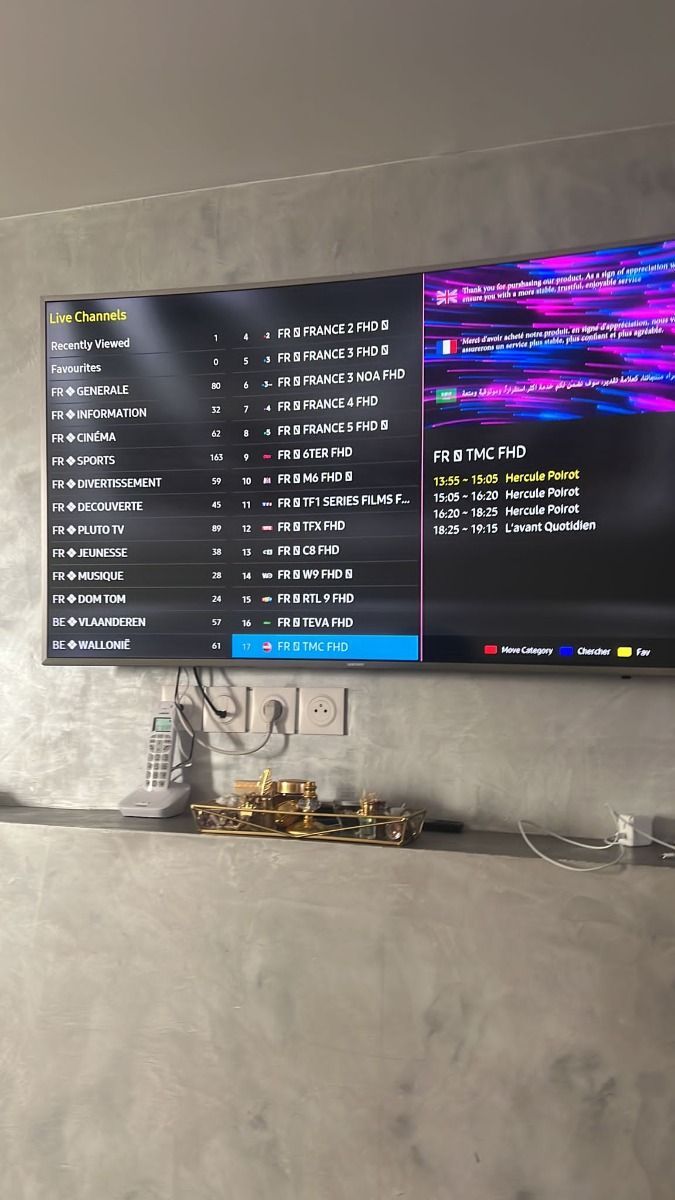
These app previews give viewers a practical look at how channel lists, posters, menus, and playback screens can feel after activation on compatible devices.
See how ReflexSat IPTV compares to traditional TV providers and expensive cable or satellite subscriptions.
| Feature | ReflexSat IPTV vs Cable/Satellite | Cable/Satellite |
|---|---|---|
| Annual Cost | $59.00/year | $1,200+/year |
| Live Channels | 41,821+ | 200-500 |
| Movies & Series | 177,000+ | Pay extra |
| Adult Channels | Included on 12 month plan | Not available |
| 24/7 Channels | 1,000+ | None |
| All Sports Included | Included | Not included |
| No Contracts | Yes | No |
| Watch Anywhere | Yes | Limited |
Choose the plan that fits your viewing habits. Every order and support request opens WhatsApp directly so activation can start without a confusing checkout flow.
$25 / 0.27 per day
$59 / 0.16 per day
$39 / 0.21 per day
$12 / $0.40 per day
A flexible IPTV subscription for testing your favorite apps, devices, and channel categories before choosing a longer plan.
Order 1 Month
No more fighting over the remote. With a multi-screen IPTV subscription, everyone can watch what they want at the same time, at home, at work, or while traveling.
$99
Same features as one screen. Watch on both screens at the same time.
Order 2 Screens$59
Same features as one screen. Watch on both screens at the same time.
Order 6 Month Multi-ScreenCustom
Need more than two screens? Contact support for a household or travel setup.
Contact for More ScreensActivation is designed to be simple even if you have never used an IPTV app before.
Download and install the HOT Player app or another IPTV player on your Smart TV, Fire Stick, Android device, tablet, or computer.
Open the app and enter the activation details we send you, such as MAC address, M3U link, or Xtream Codes. Then refresh the playlist.
Your channels, VOD, and content load after activation. Enjoy full access and start streaming on your device.
Use ReflexSat IPTV on Smart TV, Firestick, Android boxes, phones, tablets, laptops, Apple devices, and other IPTV-ready hardware.



Thousands of customers across Europe and beyond use our IPTV service for sports, movies, and international channels. ReflexSat IPTV is rated 4.9 out of 5 based on 243 reviews and trusted for quality, stability, and easy installation.
★★★★★
The sports channels loaded quickly on my Smart TV, and the setup notes were clear enough to finish everything in one evening.
★★★★★
I mainly use ReflexSat IPTV for movies and international channels. The playlist feels organized and the support reply on WhatsApp was fast.
★★★★★
Firestick installation was simple. I asked for help with the app login and had the channels running a few minutes later.
★★★★★
The football coverage is the reason I renewed. It also has enough movies and series to replace my old weekend streaming routine.
★★★★★
The 12 month plan made sense for our household because it works on the devices we already own without a cable contract.
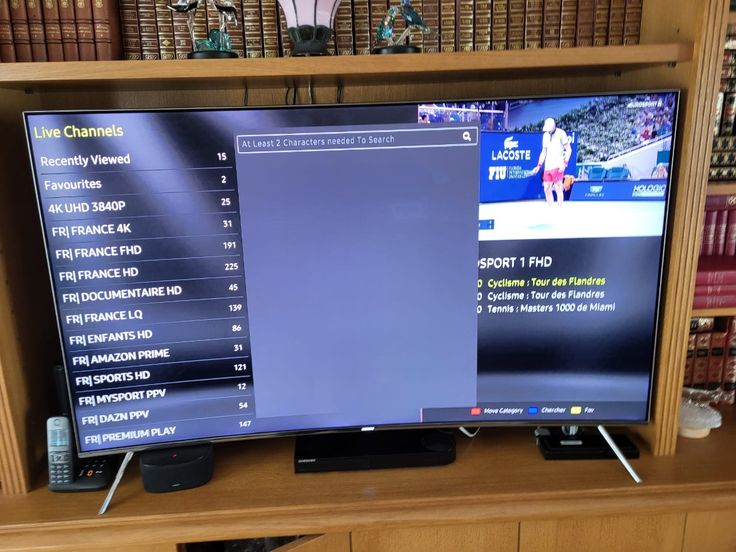
★★★★★
I wanted multilingual channels and a clean IPTV app. ReflexSat IPTV delivered both, and catch-up TV is useful after work.
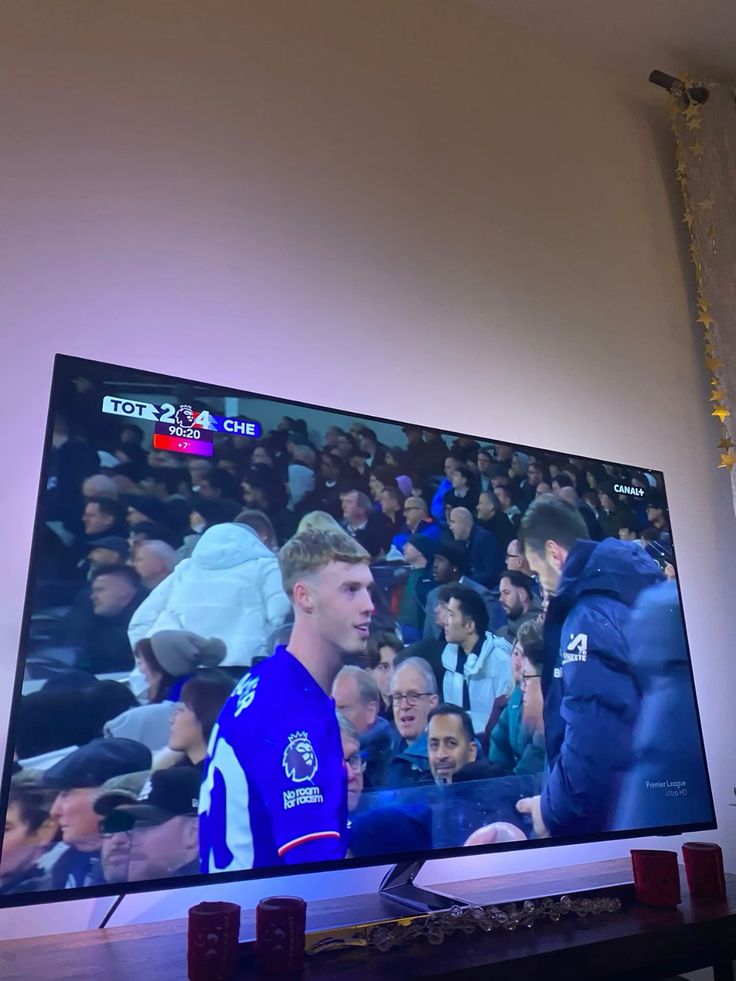
★★★★★
The service works well on my Android TV box. The channel categories are easy to scan and the HD streams are steady on my connection.
Many customers prefer WhatsApp because it keeps installation, plan questions, support, and renewal messages in one simple conversation.
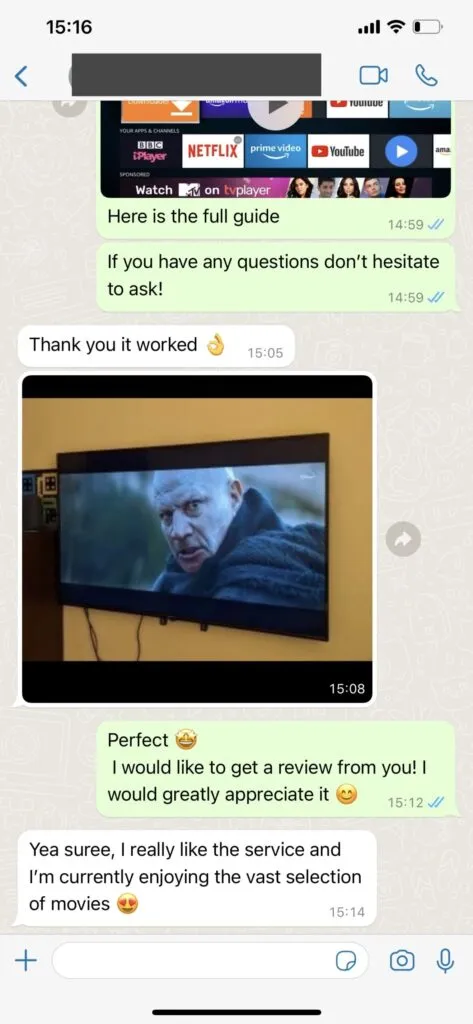
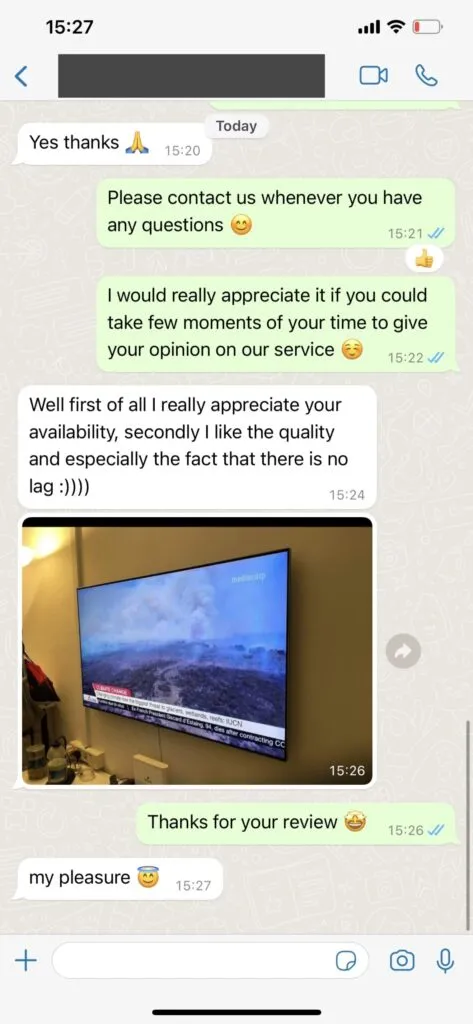
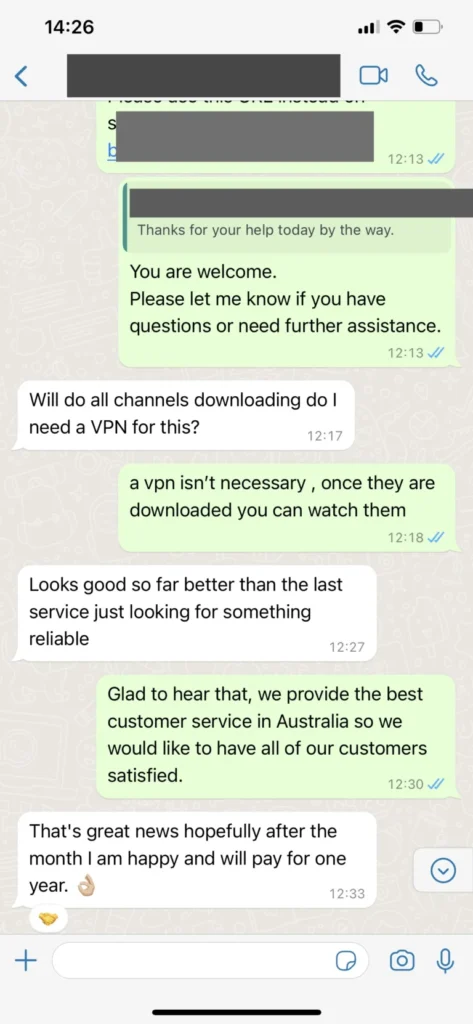
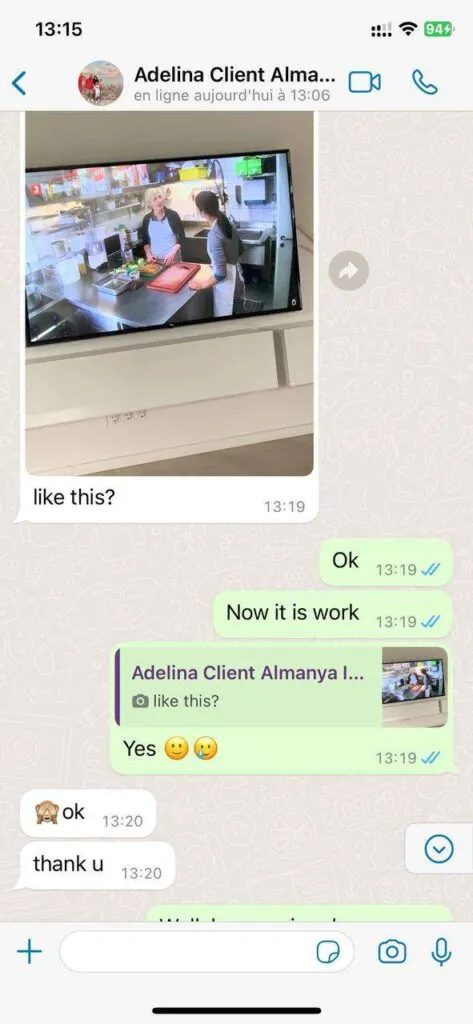
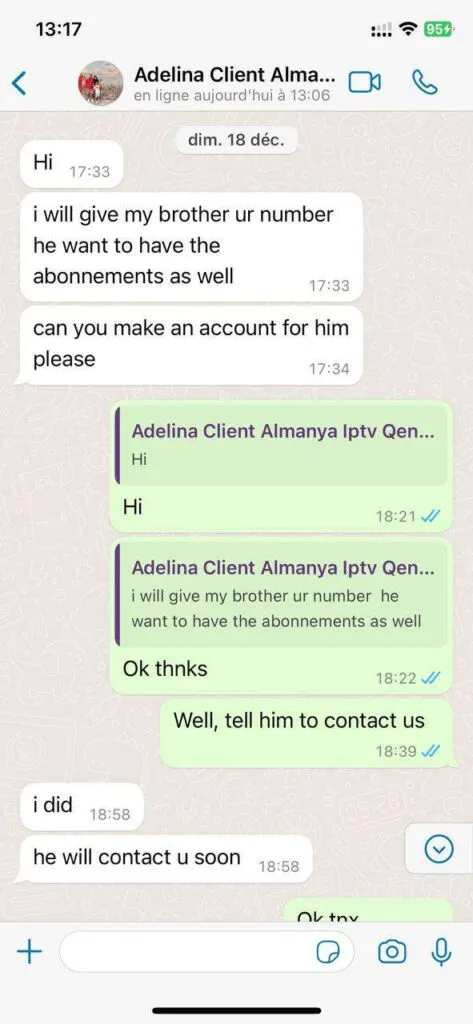
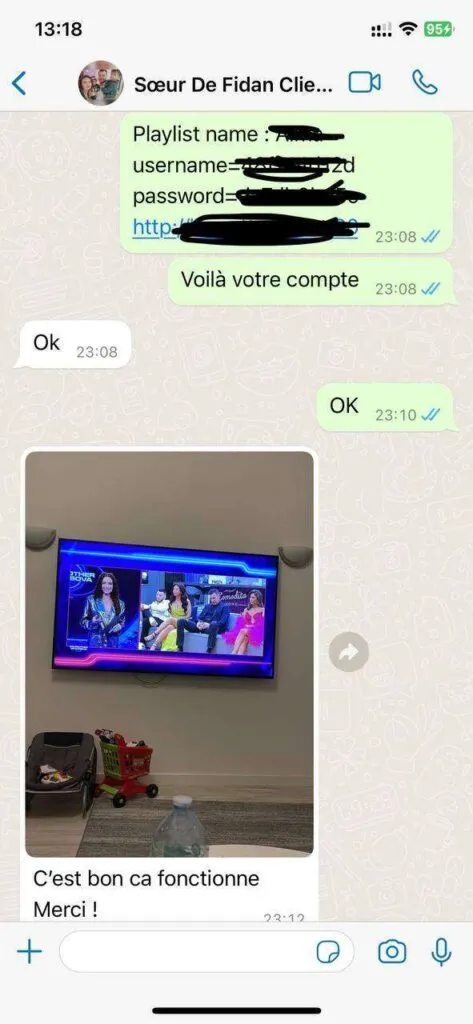
The service is designed around device flexibility, clear categories, high picture quality, and practical support.
Browse news, entertainment, kids, documentaries, regional channels, premium categories, and live events in one subscription.
Add multiple screens when your household needs simultaneous access in different rooms or while traveling.
Use the VOD library for weekend films, family shows, late-night series, and international releases without renting each title.
Choose a stream quality that fits your screen and connection, from phone viewing to 4K living room sessions.
Stable server routing helps reduce interruptions during sports, evening movies, and busy viewing hours.
The service is built for consistent daily use with regular playlist maintenance and support follow-up.
Check schedules and use catch-up options when available so you do not miss important shows.
Follow football, Formula 1, MotoGP, combat sports, tennis, basketball, and major live events.
ReflexSat IPTV is built for viewers who want mobile-first IPTV streaming for US viewers without the feeling of being locked into a complicated cable package. The goal is simple: make live channels, movies, sports, replay options, and device setup easier to understand before you order. For the United States target market, this means clear English guidance, USD pricing, and direct WhatsApp contact instead of a confusing checkout path.
A good IPTV subscription should be practical on the devices people already own. That is why this page connects mobile-first IPTV streaming for US viewers with Smart TV, Firestick, Android TV, iOS, Windows, macOS, and popular IPTV players. When a customer knows which app to install and which login type to use, activation becomes much less stressful.
The strongest reason customers compare ReflexSat IPTV with traditional cable is flexibility. A cable plan can bundle channels you do not watch, add rental boxes, and limit viewing to one location. ReflexSat IPTV focuses on app-based viewing, portable access, and support that can answer plan or setup questions directly through WhatsApp.
Picture quality matters because sports and movies are unforgiving when the stream is unstable. The service supports SD, HD, FHD, 4K, and UHD categories where available, while the user experience depends on the chosen app, internet speed, device performance, and home network. A wired connection is still recommended for the main TV when possible.
Channel organization is also important. Customers need quick access to live TV, movies, series, sports, kids content, news, documentaries, 24/7 channels, and international categories. ReflexSat IPTV presents the service as a full entertainment setup rather than a loose playlist with no guidance.
Support is part of the product. If a playlist does not load, an EPG needs refreshing, or a Firestick app asks for the wrong login format, the support path should be visible. This site keeps contact buttons direct and uses WhatsApp for purchase, setup, and troubleshooting conversations.
Before choosing a plan, review the pricing plans, check the feature list, and keep the installation guide available on the device you plan to use first. If you are unsure whether a specific TV model or app is the best option, the support team can guide you before activation.
The content on this page is original guidance for ReflexSat IPTV. It avoids copied provider claims and focuses on realistic expectations: a reliable IPTV experience depends on stable servers, a suitable player, a clean login process, and a connection fast enough for the picture quality you choose.
For the Home page, mobile-first reading is intentional. Many customers compare IPTV services from a phone before they ever open a Smart TV app, so sections are written in short blocks, buttons stay easy to tap, and the main support path remains visible without forcing visitors through several pages.
The practical value of mobile-first IPTV streaming for US viewers is best understood through everyday viewing. A customer might watch news on a phone during a commute, sports on a Firestick in the evening, and a movie on a Smart TV over the weekend. A useful IPTV site should explain each situation clearly.
ReflexSat IPTV uses internal education pages to help buyers avoid guesswork. The apps guide explains player options, the device guide explains compatible screens, the M3U and EPG guide explains playlist details, and the troubleshooting page explains what to check if streams do not load correctly.
A friendly service experience starts before payment. Visitors should know the plan length, total price, per-day value, device requirements, support channel, and refund window before ordering. This page supports that decision process instead of hiding important details behind vague sales language.
The United States market includes many households that already use streaming devices. Firestick, Android TV, Samsung TV, LG TV, iPhone, iPad, Windows, and macOS users all need slightly different setup instructions, even when the subscription details come from the same IPTV provider.
Performance depends on more than the plan name. Internet speed, router placement, app cache, device age, and Wi-Fi congestion all affect playback. That is why ReflexSat IPTV content recommends practical checks, especially for 4K streams and busy sports events.
Customers comparing IPTV with cable usually care about cost and control. Cable and satellite packages can be expensive, contract-heavy, and limited to a fixed box. App-based IPTV is more flexible because the same subscription can support different screens and travel situations when configured correctly.
Content depth matters for trust. Instead of repeating the same claim on every page, the site explains mobile-first IPTV streaming for US viewers from the angle of this specific page. That makes the experience more useful for customers and gives search engines a clearer reason to index each URL separately.
Support conversations are faster when customers share useful details. The device model, app name, login type, internet speed, and a screenshot of the error can help the team identify whether the issue is a playlist refresh, player setting, network problem, or incorrect login format.
The best first setup path is usually simple: choose the device you watch most, install one recommended IPTV player, enter the access details exactly as supplied, refresh the playlist, then test live TV, sports, movies, and EPG before changing advanced settings.
For families, multi-screen planning is important. A single screen plan fits one viewer or one main TV, while a multi-screen plan is better when two people want to watch different content at the same time. This is especially useful for sports nights and mixed-language households.
For travelers, the main requirement is a stable internet connection. ReflexSat IPTV can be practical outside the home because access is app-based, but hotel Wi-Fi, public networks, and mobile hotspots may have speed limits that affect HD or 4K playback.
Pricing should be read as both a total and a per-day value. The 12 month plan is positioned for long-term viewers, while the 1 month option helps customers test devices and apps. Either way, every order button keeps the WhatsApp support route direct.
Safety also matters. Customers should avoid sharing login details publicly, should install apps from trusted stores when possible, and should contact support if a device requires sideloading. Clear setup guidance reduces the chance of using the wrong file or entering credentials in the wrong app.
Channel categories are easier to enjoy when the app interface is clean. Live TV, movies, series, radios, sports, kids content, news, documentaries, and 24/7 channels should be simple to browse from a remote control, not just from a desktop keyboard.
After activation, customers should save the subscription email, note the app they installed, and keep the WhatsApp conversation available. Those details help with renewal, device changes, playlist refreshes, and support follow-up if the home network changes later.
The purpose of this Home guide is to give a complete but readable overview of mobile-first IPTV streaming for US viewers. It connects plan choice, device setup, support expectations, and streaming quality so visitors can decide whether ReflexSat IPTV matches the way they actually watch TV.
Another detail to consider is how often the household watches live events. A viewer who only watches a film once in a while may focus on VOD, while a sports fan needs stable live access during peak demand. Home content should make that difference clear before a plan is selected.
A reliable IPTV setup is usually built in layers. The subscription must be active, the app must support the login format, the device must have enough performance, and the network must be stable. When one layer is weak, the viewing experience can suffer even if the channel list is large.
Customers also benefit from knowing what not to change. Many IPTV players include advanced buffer, decoder, and playlist settings. Unless support recommends an adjustment, it is often better to complete a basic setup first, test several categories, and only then fine tune the app.
For search visitors, this page should answer the next practical question after the headline. Someone searching for ReflexSat IPTV may want pricing, but they may also need compatible devices, channel categories, reviews, refund guidance, or installation steps before they feel ready to contact support.
The site footer and navigation are part of that journey. Internal links connect Home with related IPTV guides so visitors can move from general research to a specific plan, device setup, support contact, or legal policy without landing on a dead end.
ReflexSat IPTV keeps the purchase path direct by sending order, support, renewal, and help buttons to WhatsApp. That decision reduces friction for mobile visitors and gives the support team a single conversation thread for plan choice, payment link, activation details, and troubleshooting.
When evaluating mobile-first IPTV streaming for US viewers, customers should also think about who will use the service first. A single viewer, a family, a sports-focused household, and a traveler all have different priorities, so the best plan is the one that matches the real viewing pattern rather than the biggest marketing claim.
This page is written to support that decision with plain English, internal links, visible contact options, and realistic setup context. That combination is more useful than a copied paragraph because it helps the visitor understand what happens before, during, and after ReflexSat IPTV activation.
A home page should connect pricing, channels, devices, reviews, and support without making mobile visitors search through heavy menus. This matters because IPTV buyers often compare many similar-looking services and need details that explain how the subscription will work in everyday viewing, not just a list of numbers.
The Hot Player preview helps customers understand the app-style viewing experience before activation. This matters because IPTV buyers often compare many similar-looking services and need details that explain how the subscription will work in everyday viewing, not just a list of numbers.
The comparison table shows why many customers review IPTV as an alternative to cable and satellite contracts. This matters because IPTV buyers often compare many similar-looking services and need details that explain how the subscription will work in everyday viewing, not just a list of numbers.
Quick answers for subscription, support, devices, channels, speed, privacy, and travel use.
The ReflexSat IPTV support team is available 16 hours daily through WhatsApp. Most setup questions are handled within minutes, and support is available in English, German, French, and Spanish.
Contact the team on WhatsApp, choose your plan, and request a secure payment link. Support covers peak viewing times across major time zones and can help before and after activation.
You can watch on Smart TVs, Firestick, Android TV boxes, smartphones, tablets, computers, Nvidia Shield, and many other devices using HOT Player or another compatible IPTV app.
ReflexSat IPTV includes 41,821+ live channels, a large VOD library, movies, series, sports, international channels, 24/7 channels, and multi-language entertainment for everyday viewing.
For HD streaming, 10 Mbps is a practical minimum. For 4K streaming, 25 Mbps or more is recommended. A wired ethernet connection gives the most stable TV experience.
A VPN is not required for normal use. Some customers prefer a VPN for added privacy, but it is optional and depends on your network, device, and personal preference.
Yes. Your ReflexSat IPTV subscription works anywhere with a reliable internet connection, which makes it practical for travelers, expats, and customers who split time between homes.